
TCXV example web-app
Tiger City IMX Industrial Computer with Linux OS
The device hosts a web application that can be accessed by connecting to it via a local network.
Type node /opt/redisage/example-app/server.js in the device's terminal to start hosting an example web application.
Example web application
Login
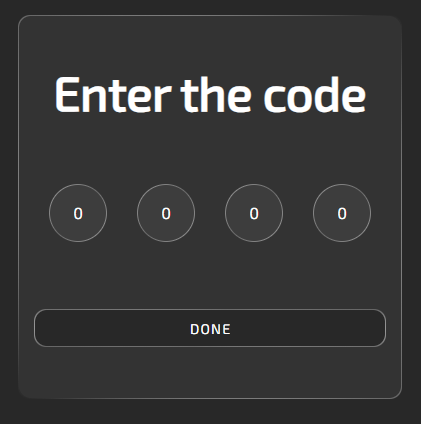
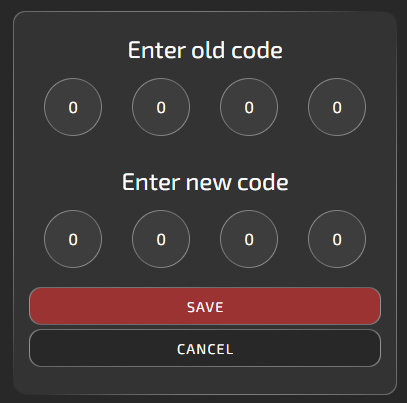
The default code is 0000. After logging in, a user can change it. The code settings are in the upper-right corner of the site, next to the help button.
Panels
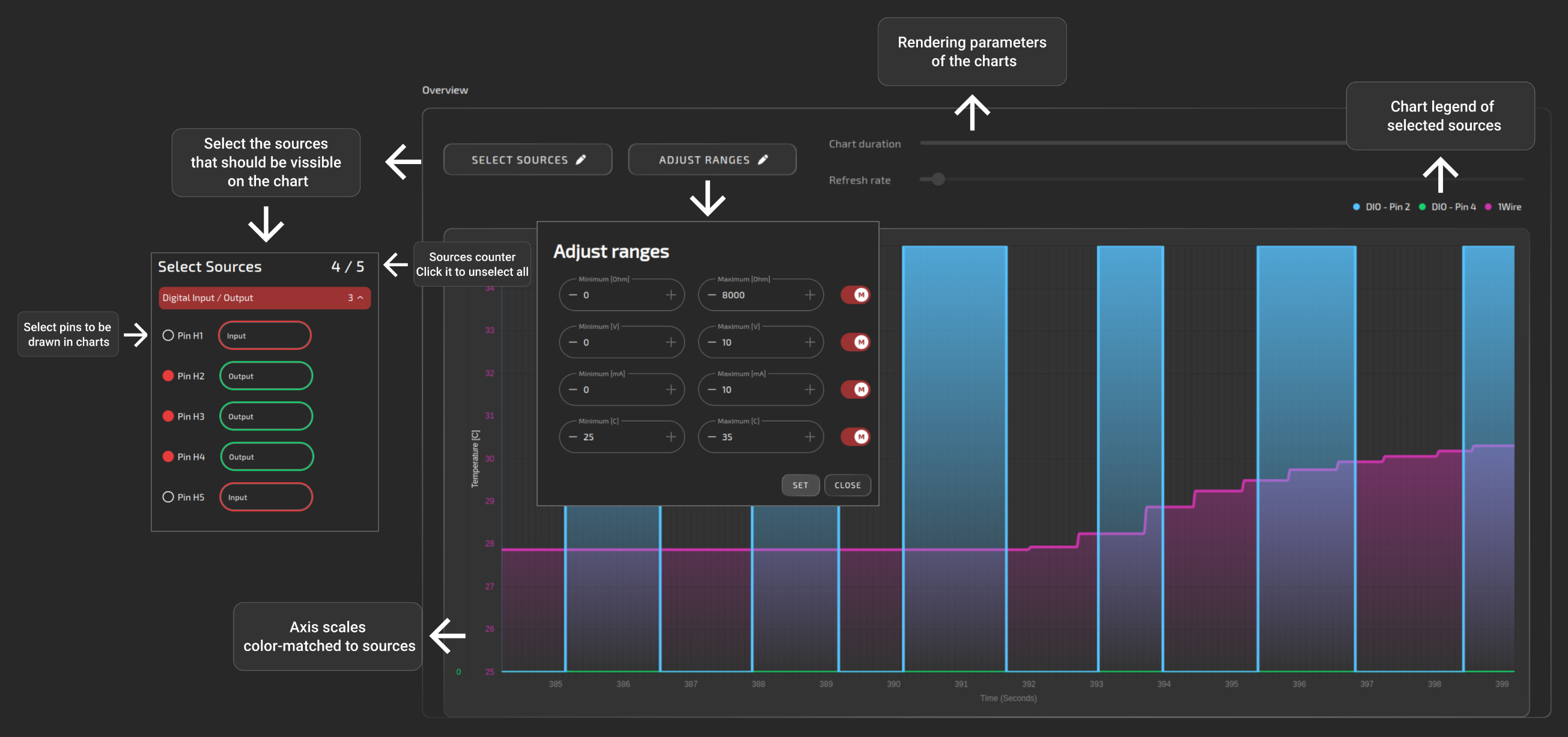
Overview
The purpose of this panel is only to display data from different interfaces on a common chart. Output pins are to be controlled via individual interfaces pages.
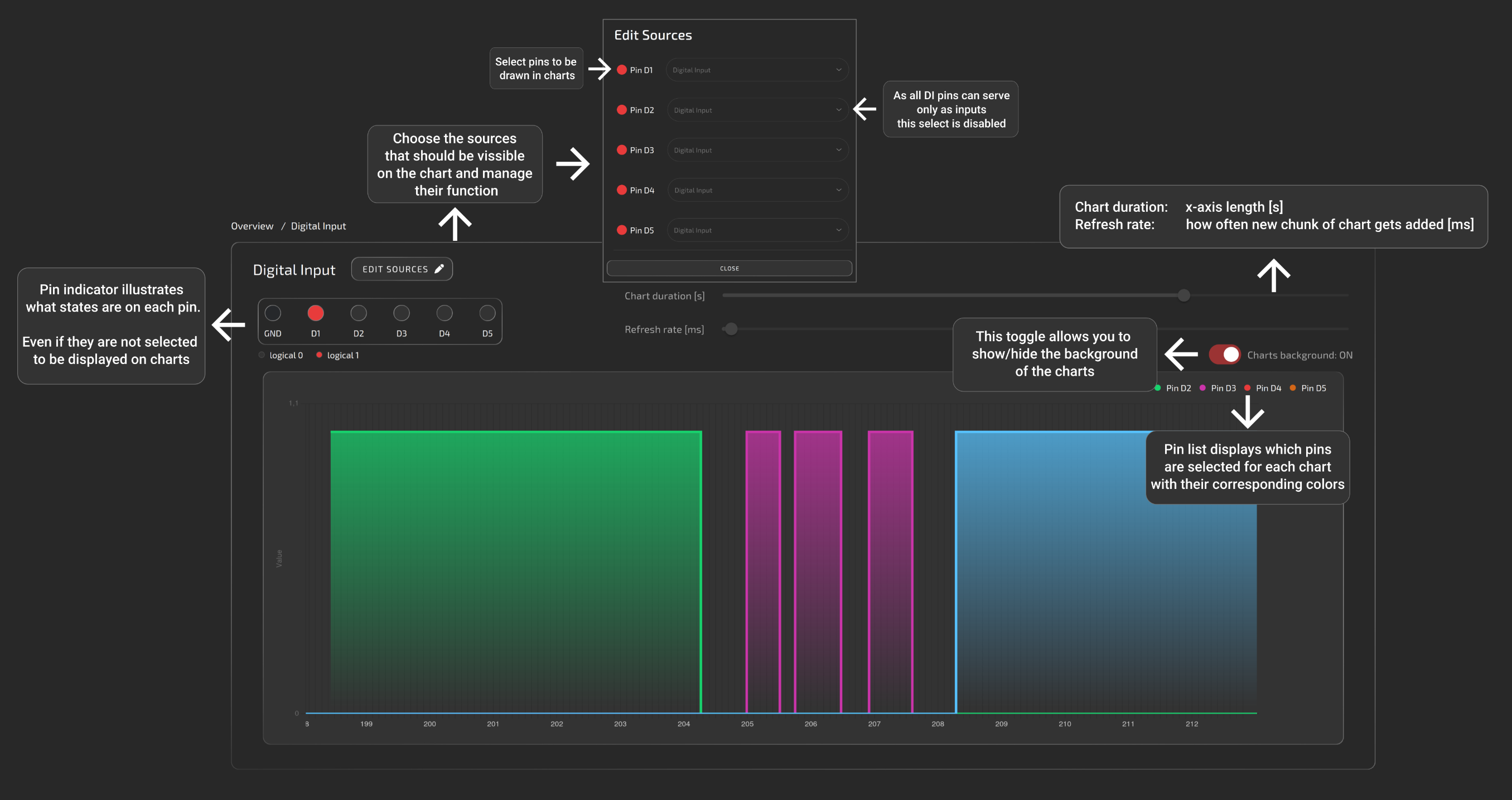
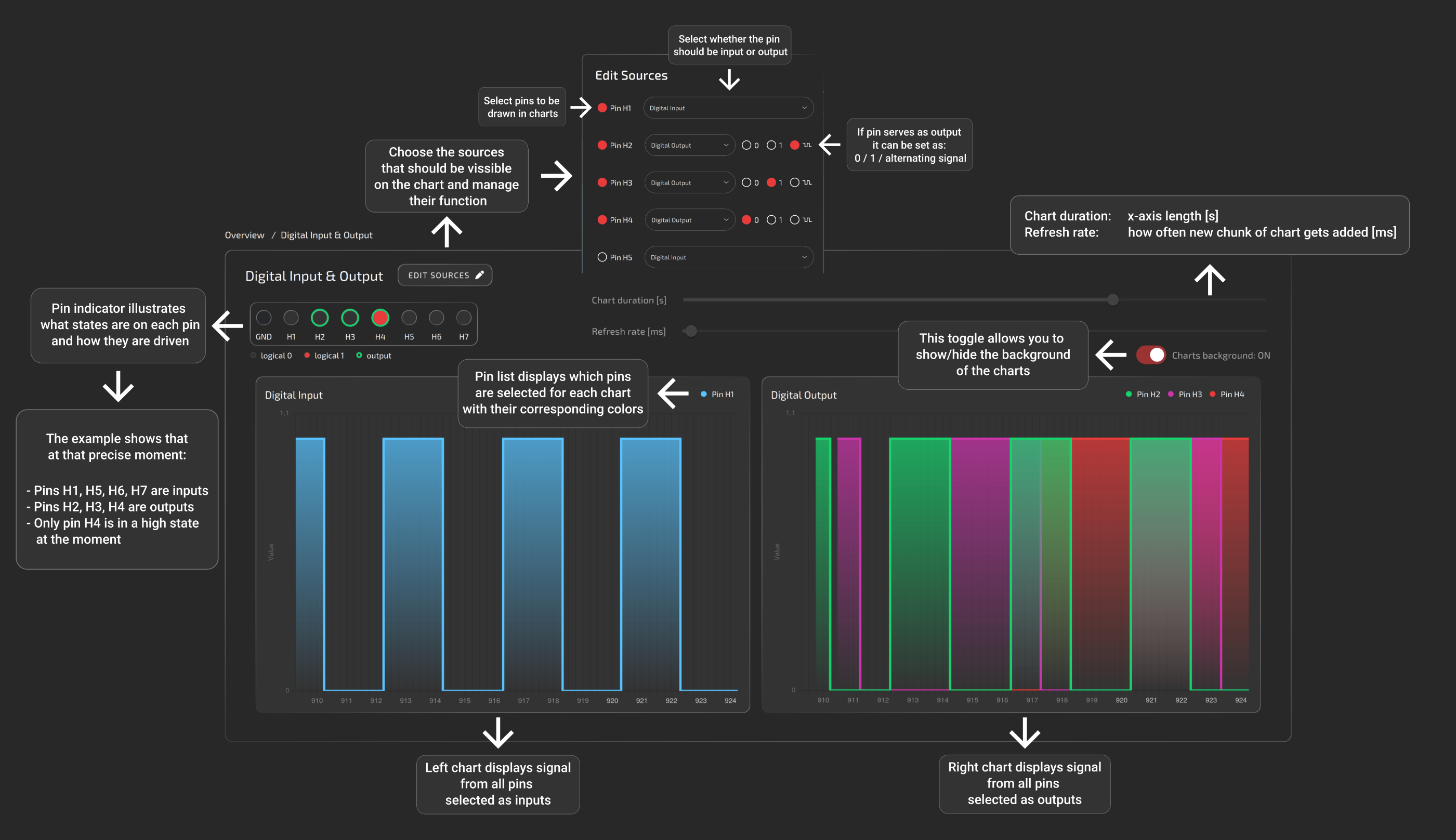
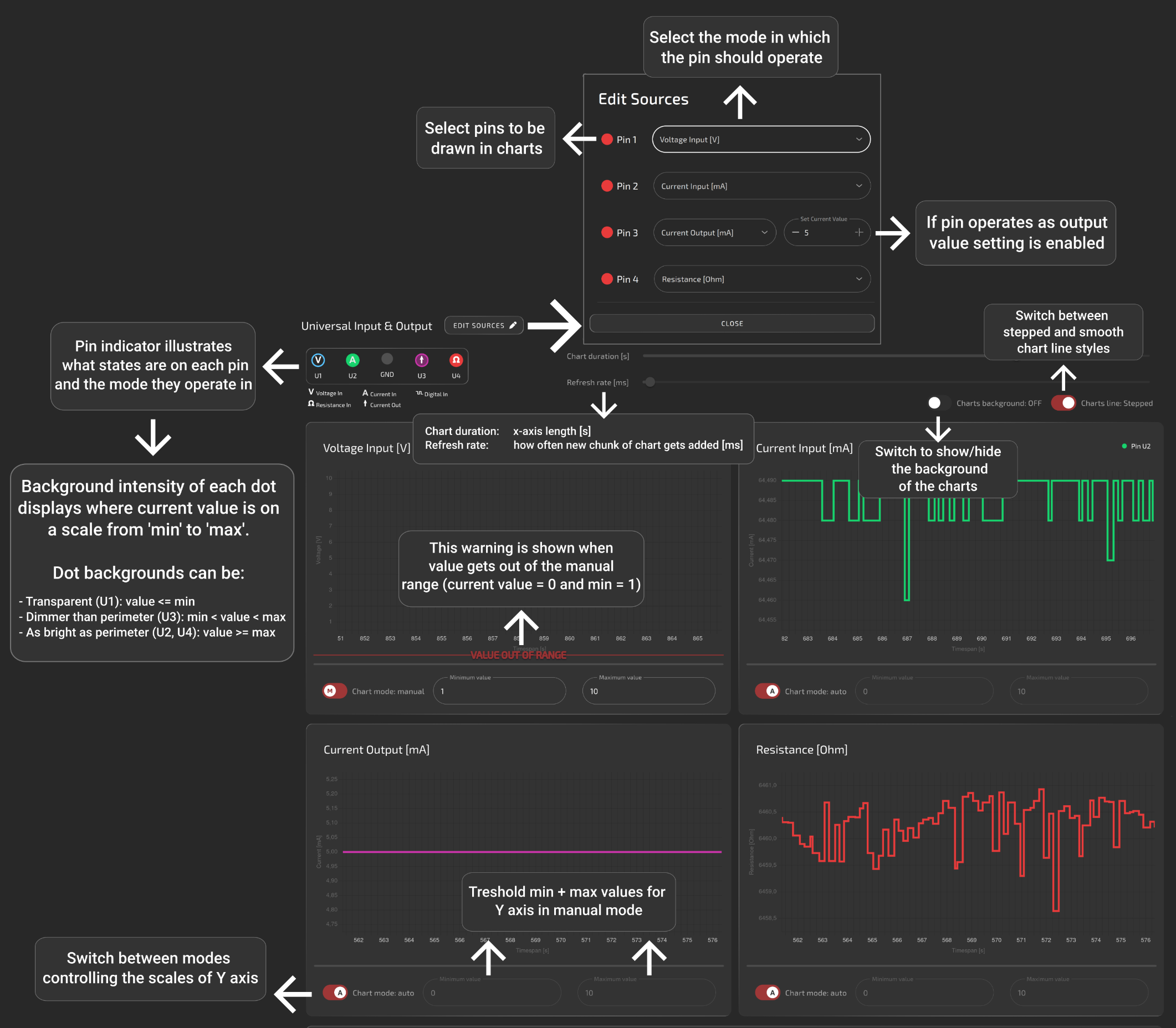
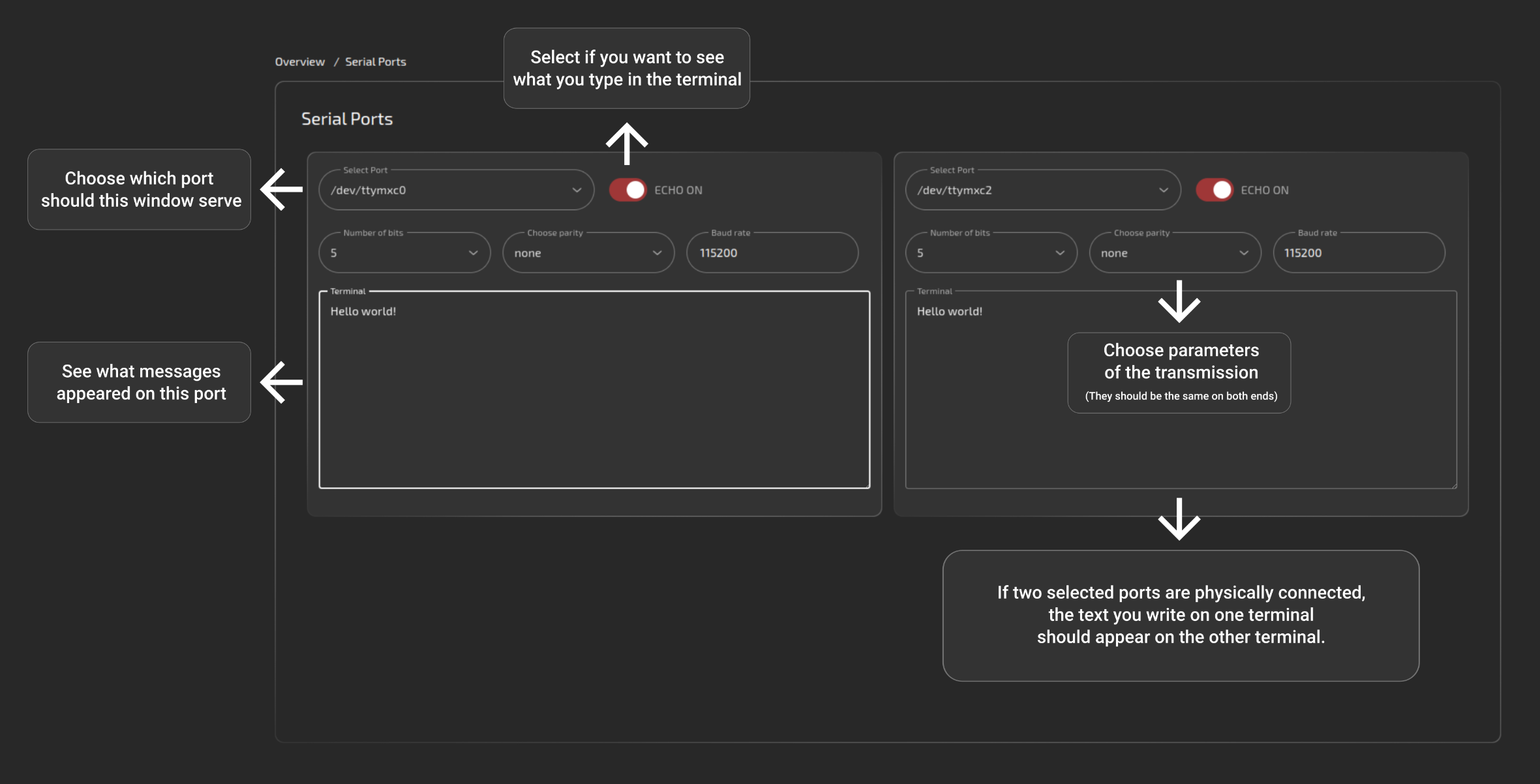
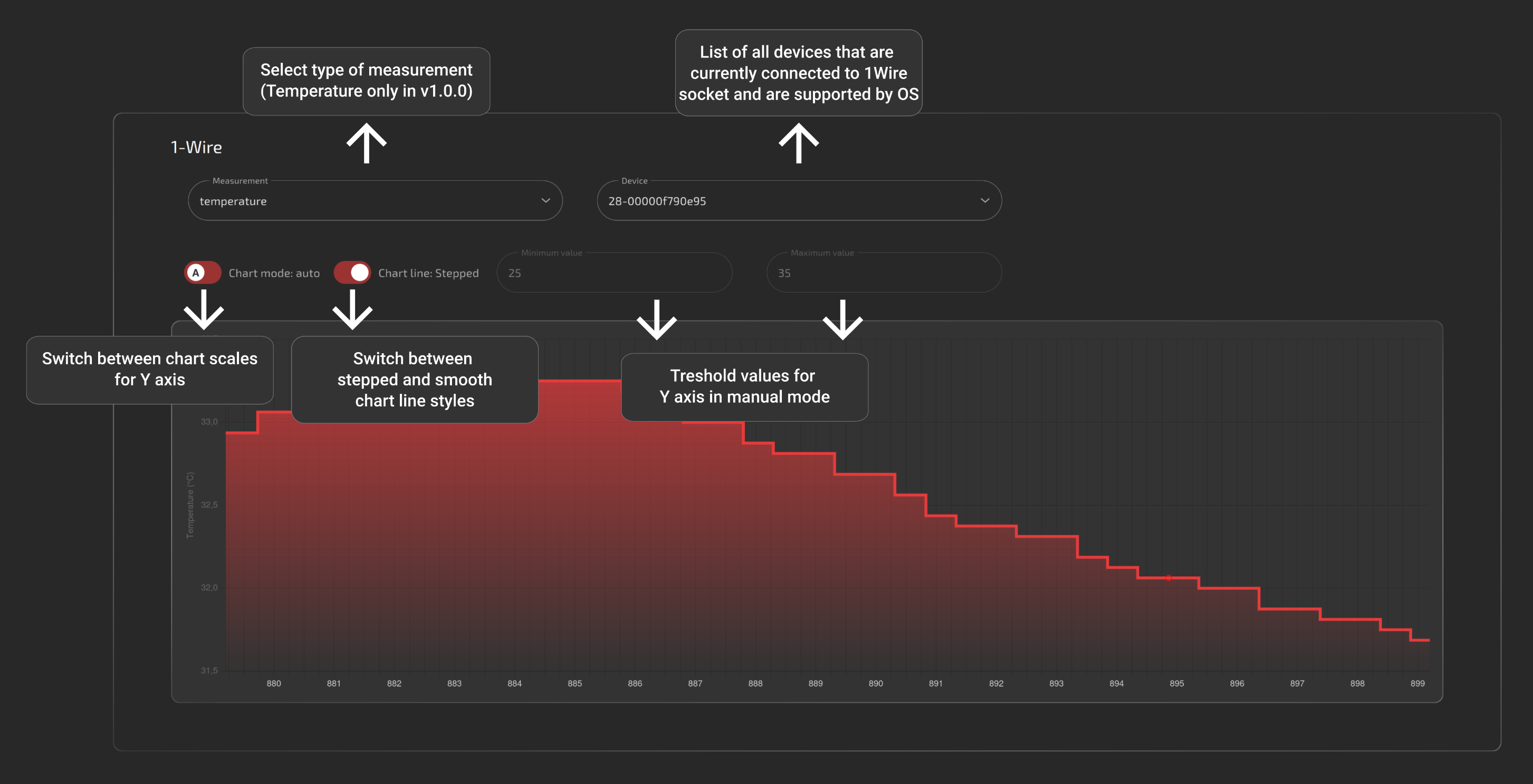
All of the below help images are also available on the site by clicking the question mark in the upper-right corner.
Digital input
Digital input/output
Universal input/output
Serial
1-Wire
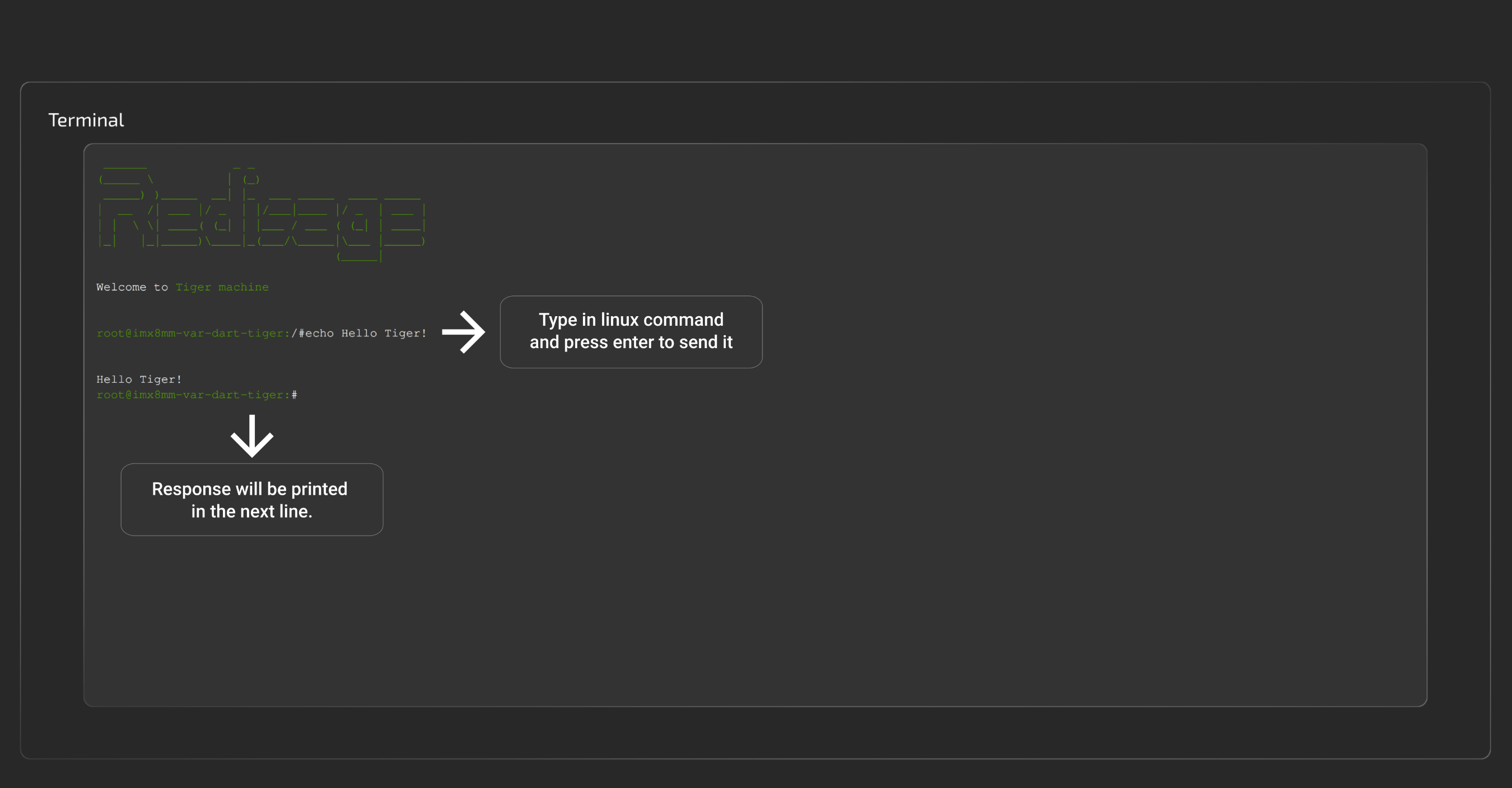
Terminal
This panel serves as a terminal emulator for basic communication with the device. It allows navigating through the directories, looking up logs or connected devices and much more.
GitHub repository: soon.